Design engagement rings with your customer, just by talking.
Colorless is an AI agent for jewelers. Describe a ring and it builds it in real 3D. Share a link, and your customer changes it from their phone while you watch.
Rendered by Colorless, not photographed.
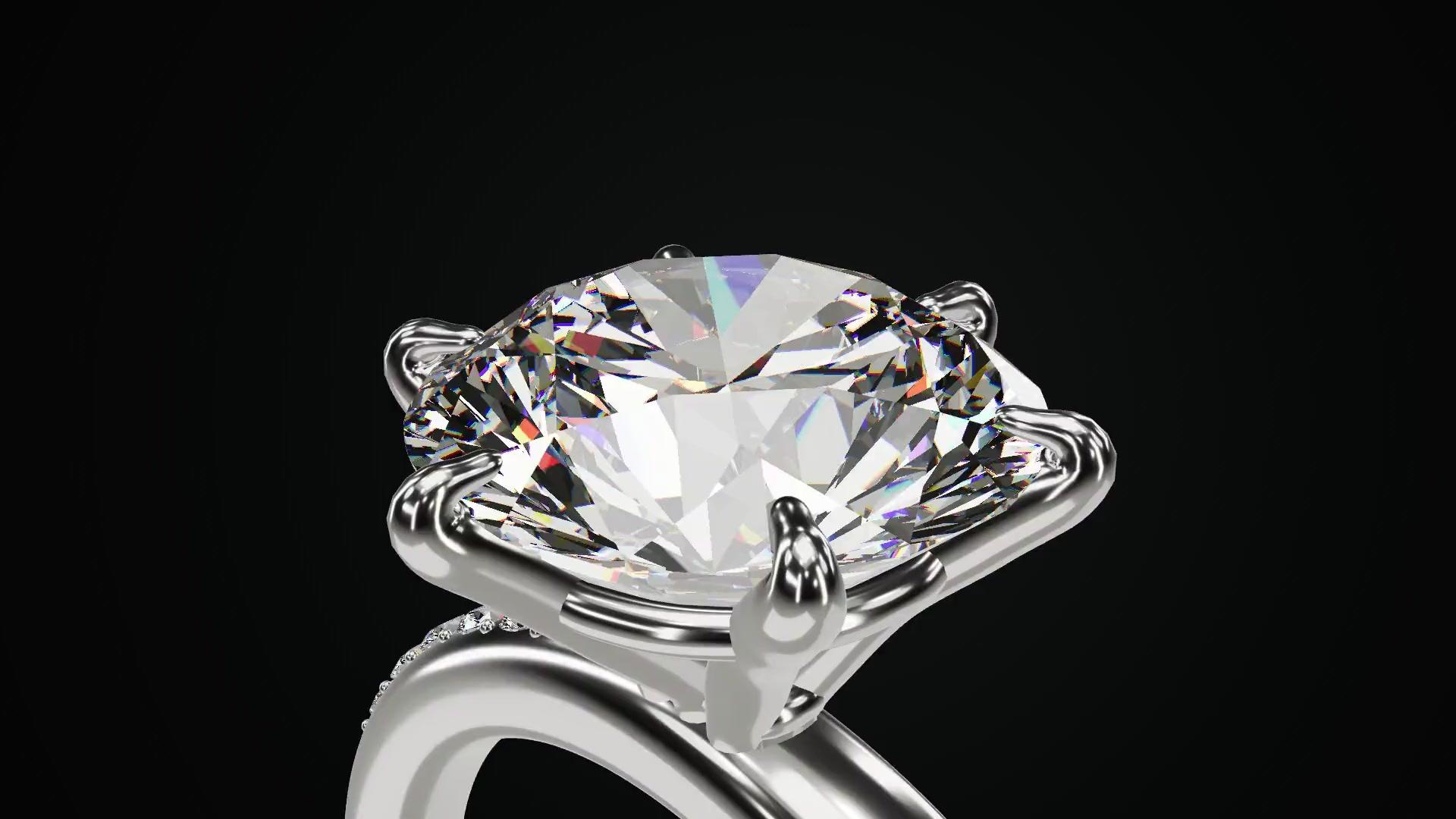
A ring you design together
You can run all of it by talking to the agent. Here is how a ring goes from a new customer to exactly what they want, in seven steps.
Shown with sample customers. The rings are real renders.
Step 1Jeweler
Add your customer
Tell the agent who the ring is for. A name and an email put them on your list, or you can add them yourself in the Customers tab.
You say
“This ring is for Maya Chen, maya@example.com.”
colorlessHartwell & Co.AHCustomers
NewHannah Schmidt
hannah@example.com
James Okafor
james@example.com
Lucas Bennett
lucas@example.com
 No ring yet
Maya Chen
maya@example.com
Noor Haddad
noor@example.com
Priya Nair
priya@example.com
Step 2Jeweler
Describe the ring
Tell the agent what your customer wants, in your own words. It builds the ring in 3D and measures it against bench limits, then tells you what to raise with your caster.
You say
“A pear-shaped diamond on a split shank in yellow gold, with tiny pave on the split.”
colorlessHartwell & Co.AHTeardrop ForkDraftFor Maya ChenPear brilliant · 1.50 ct · F · Yellow gold · Size 6.5
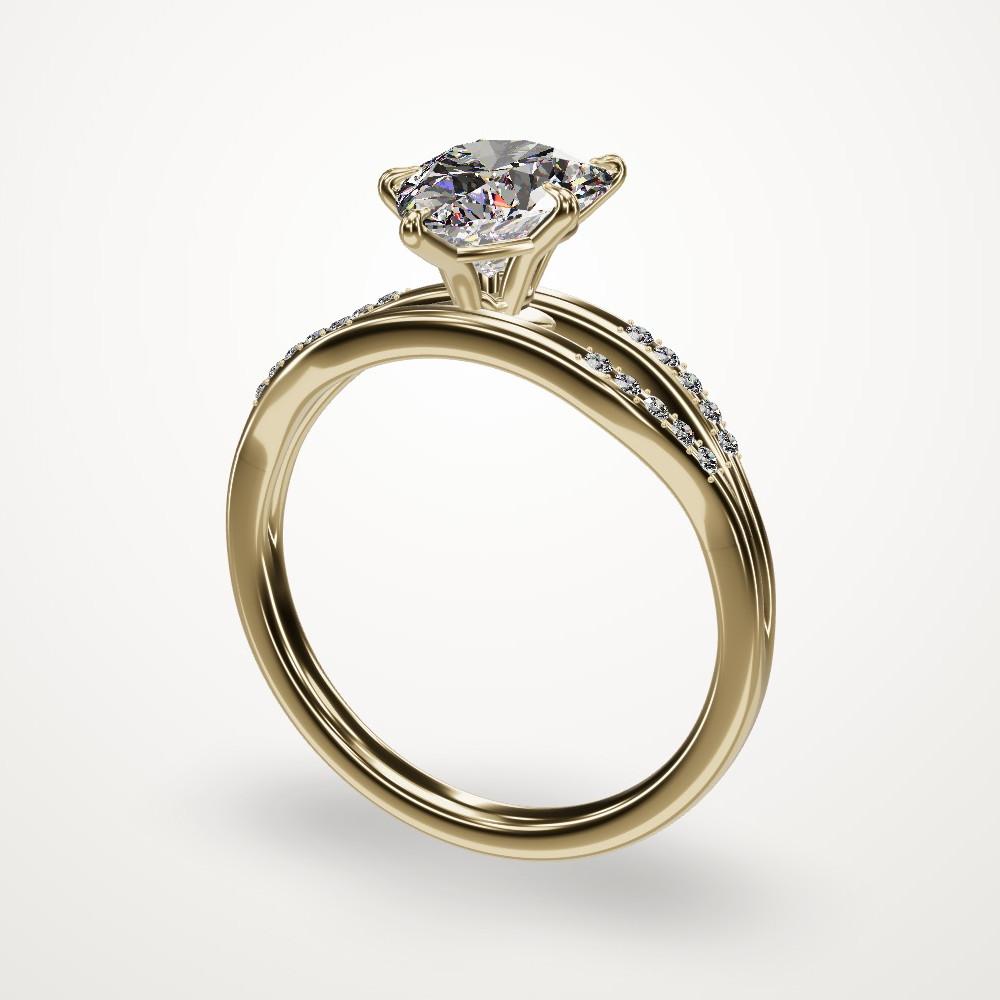 Size 6.51.57 ct total3.4 g yellow gold
A pear-shaped diamond on a split shank in yellow gold, with tiny pave on the split, for Maya Chen, maya@example.com.
Checked your customersAdded the customerMaya ChenBuilt the ringTested: all checks passedAssigned the ringFor Maya ChenSaved a versionStep 3Jeweler
Send the link
Ask the agent for your customer's private link. Copy it, or open it in your own email, and share it the way you normally would.
You say
“Send Maya the link.”
colorlessHartwell & Co.AHRing agent
Describe a change
AgentMaya ChenIt measures clean against the bench limits. Please check with your caster that the 1.0 mm melee will come through cleanly.
Send Maya the link.
Made the linkFor Maya ChenCopy link Email it OpenMaya's private link is ready on the card above. Use the email button to send it to maya@example.com, or copy it and send it however you like. She won't need an account. She can open it on her phone, see the ring full screen, and tap Modify if she wants to change anything.
Describe a change… “make the band a knife edge”
Teardrop Fork
For Maya Chen · from Hartwell & Co.
Drag to look around
ModifyStep 4Customer
Your customer opens it on their phone
No account and no app, just a web page. The ring fills the screen, and they can drag to look around.
Teardrop Fork
For Maya Chen · from Hartwell & Co.
Updating your ring
Change anything about your ring
Hartwell & Co. sees this conversation and can reply here.
I love it, but could we try rose gold and make the diamond a little bigger?
Testing the adjustments
Ring agentHartwell & Co.Tell us what you'd change…
While the agent works 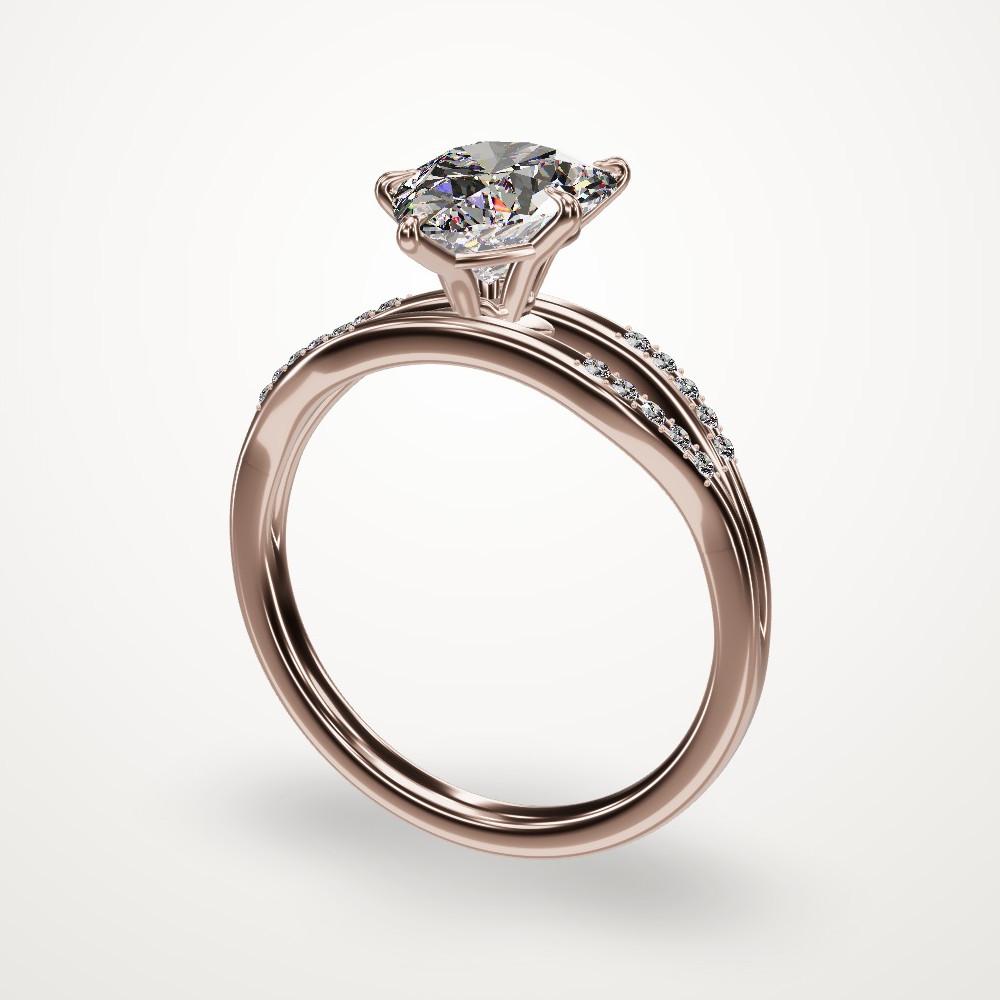
Rosewater Pear
For Maya Chen · from Hartwell & Co.
Change anything about your ring
Hartwell & Co. sees this conversation and can reply here.
I love it, but could we try rose gold and make the diamond a little bigger?
Ring agent
I've changed the ring to rose gold and made the pear a little bigger, from 1.5 to 1.75 carats. The warm rose gold makes the white of the diamond look even brighter.
Ring agentHartwell & Co.Tell us what you'd change…
A moment later Step 5Customer
They tap Modify and change the ring by talking
Your customer says
“I love it, but could we try rose gold and make the diamond a little bigger?”
The agent makes the change while they watch. Here the metal goes to rose gold and the stone goes from 1.5 to 1.75 carats.
Step 6Jeweler
You see it happen
The ring, its name and its version history update live in your studio, labeled with your customer's name. Any version can be restored.
What changed on the ring in this example Detail Before After Name Teardrop Fork Rosewater Pear Metal Yellow gold Rose gold Center stone 1.5 ct 1.75 ct Version v1 v2 colorlessHartwell & Co.AHRosewater PearDraftFor Maya ChenPear brilliant · 1.75 ct · F · Rose gold · Size 6.5
Size 6.51.82 ct total3.3 g rose goldVersions
v2Rose gold, with a 1.75 ct pearMaya Chenjust nowv1Pear on a split shank in yellow gold1h agoRestoreMaya Chen, to the agent
I love it, but could we try rose gold and make the diamond a little bigger?
Step 7Jeweler and customer
Talk it through in one place
You and your customer message each other right on the ring, so there's no email back and forth. Keep going until it's exactly what they want.
colorlessHartwell & Co.AHRing agent
Your conversation with Maya Chen
AgentMaya ChenMaya Chen sees everything here, and can ask the agent for changes. What you say on the Agent tab stays private.
Maya Chen
Hi! This is beautiful. Is the stone certified, and could I come in to try the size?
Anna Hartwell
Hi Maya, yes, it comes with a certificate, and we'd love to have you in. Does Saturday work?
Message Maya Chen…
Rosewater Pear
For Maya Chen · from Hartwell & Co.
Change anything about your ring
Hartwell & Co. sees this conversation and can reply here.
To Hartwell & Co.
Hi! This is beautiful. Is the stone certified, and could I come in to try the size?
Anna Hartwell, Hartwell & Co.
Hi Maya, yes, it comes with a certificate, and we'd love to have you in. Does Saturday work?
Ring agentHartwell & Co.Message Hartwell & Co.…
Every customer and every ring, in one studio
A green dot means your customer has been on their link. Open the ring and you're in the same conversation.
Designs
NewAn oval halo in platinum for Noor Haddad, noor@example.com
Rosewater Pear
v2 · 2m ago
Maya Chen · active 2m ago
Celeste
v3 · 26m ago
Priya Nair · active 26m ago
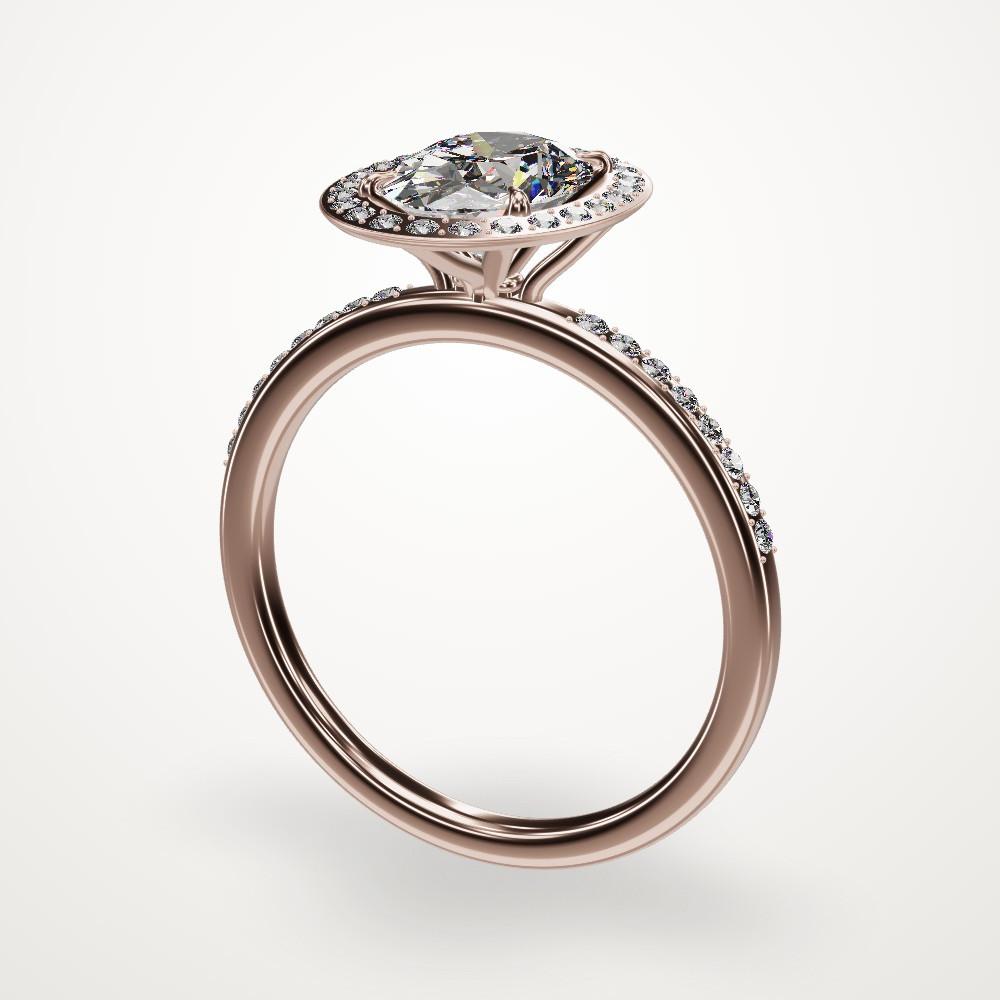
Rosewater Halo
v2 · 1h ago
Sofia Marin · active 1h ago
Cable Twist
v2 · 3h ago
James Okafor · active 3h ago
Real rings, and the words that made them
These are renders from Colorless. The line under each ring is the exact prompt we typed.
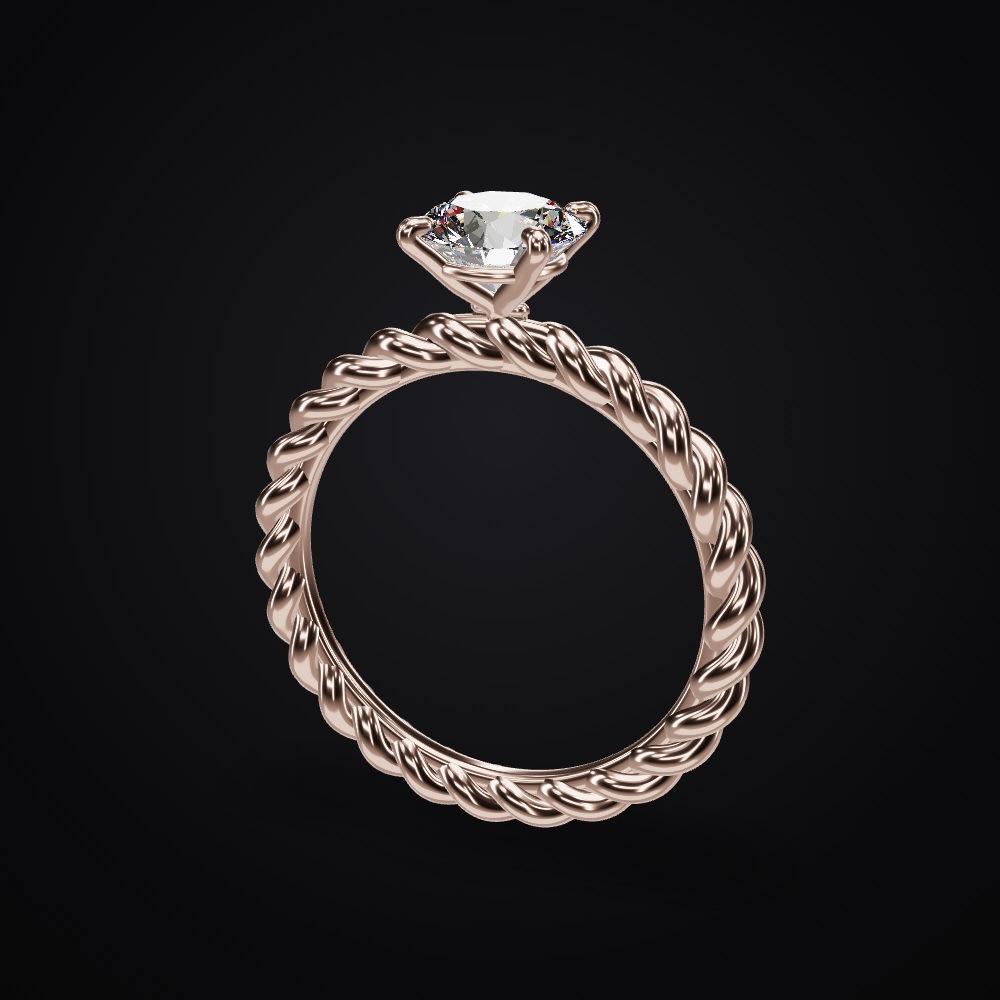
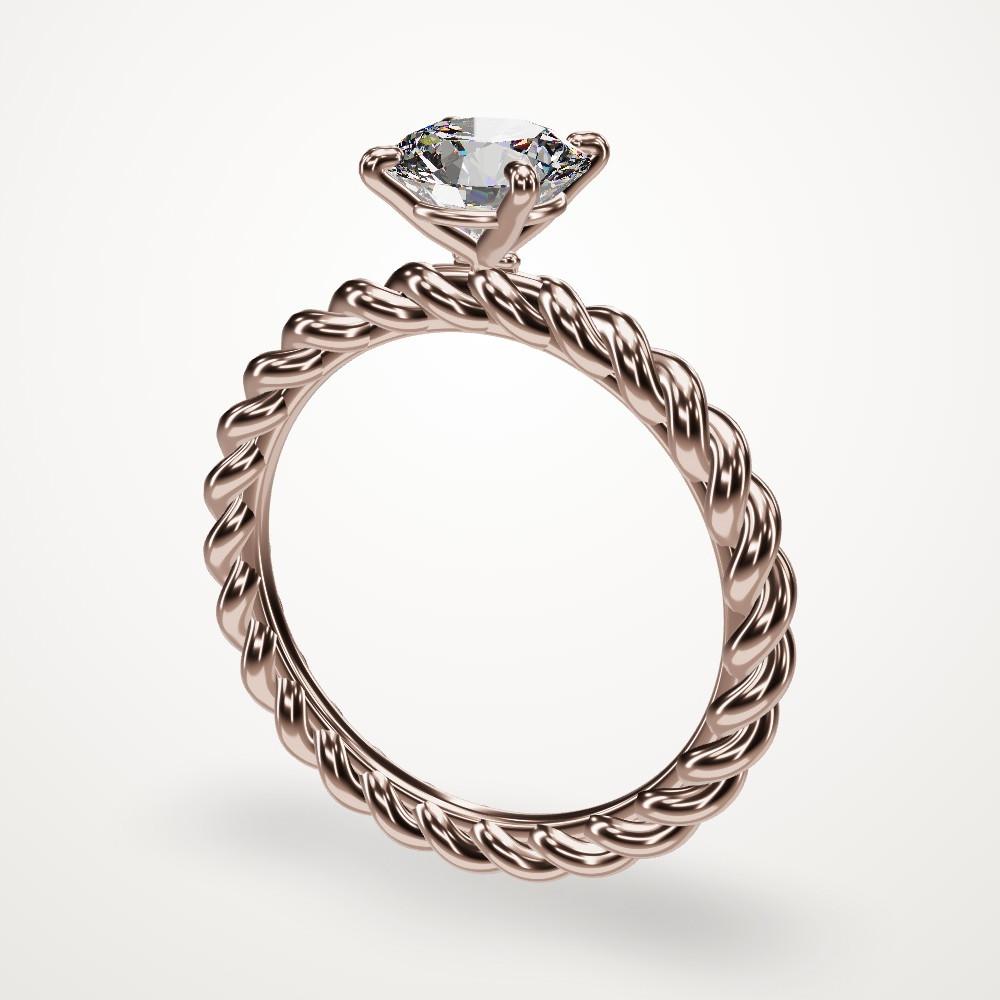
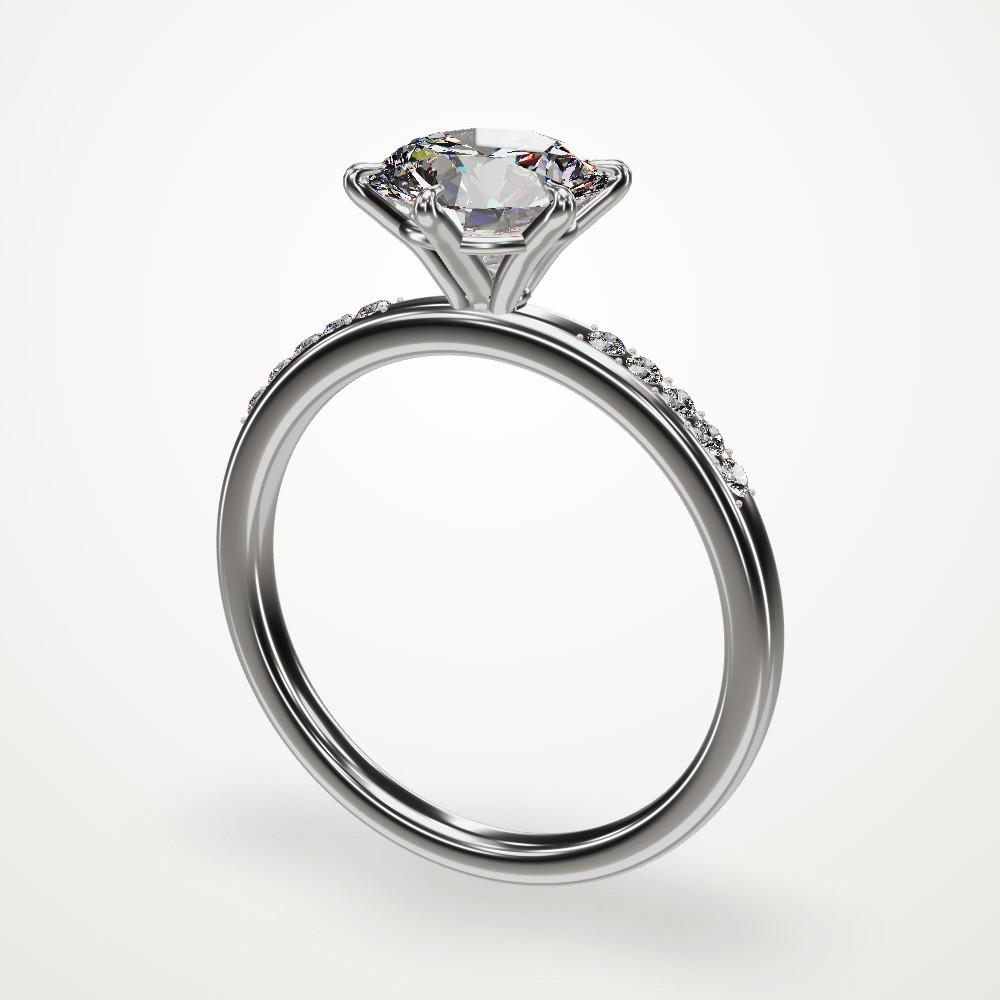
“A 1 carat round diamond in a four-prong setting on a band made of two twisted ropes of metal, like a braided cable, in rose gold.”
1.00 ct total · 3.2 g rose gold
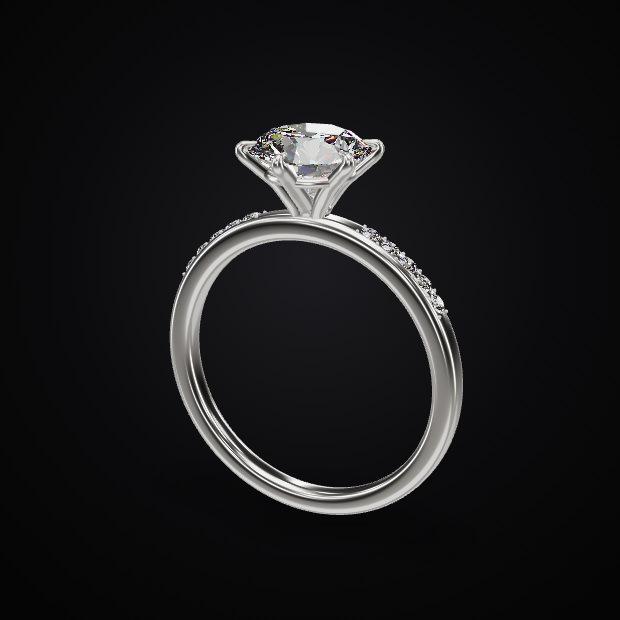
“A classic 1.5 carat round solitaire in platinum. Six prongs, slim band, with pave diamonds down both shoulders.”
1.58 ct total · 4.1 g platinum
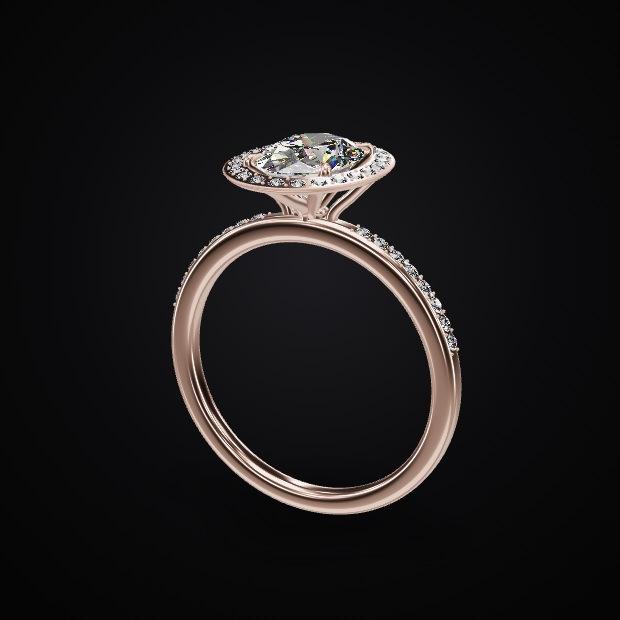
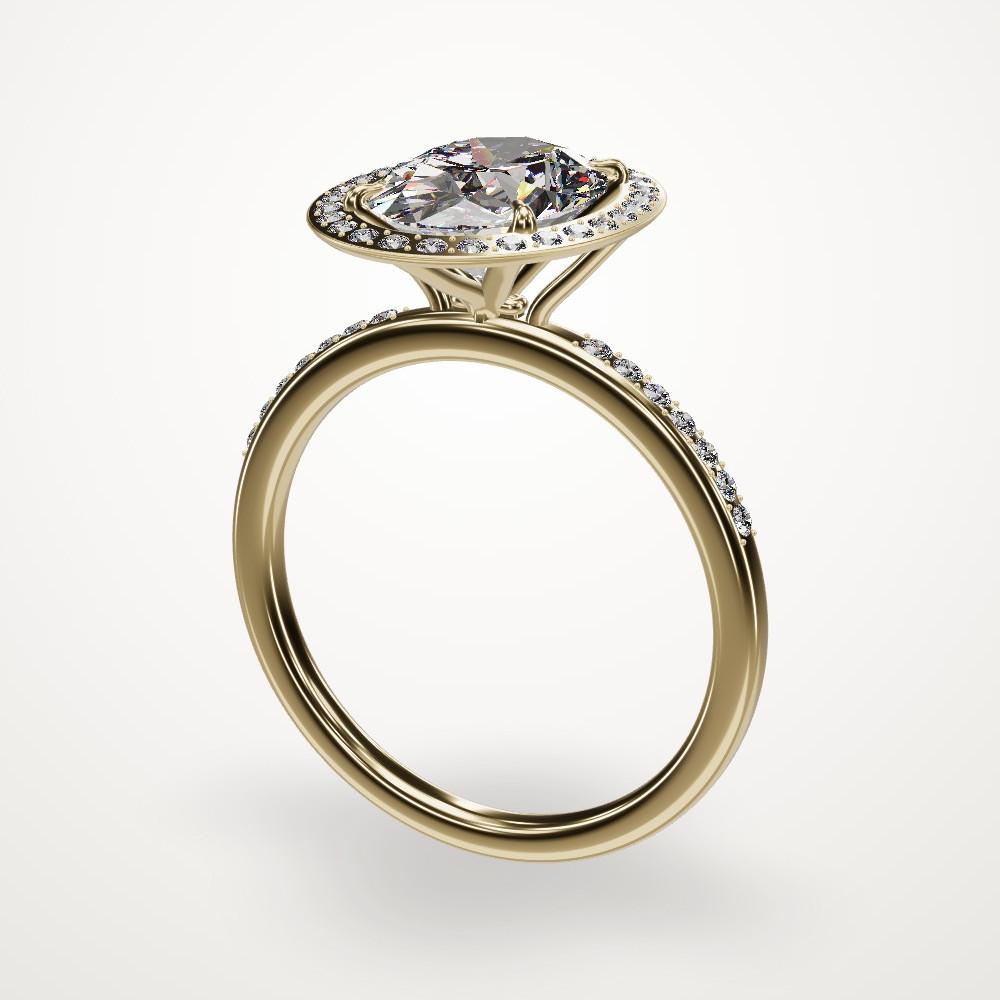
“A 1.2 carat oval diamond with a delicate halo on a thin pave band, in rose gold.”
1.38 ct total · 3.0 g rose gold
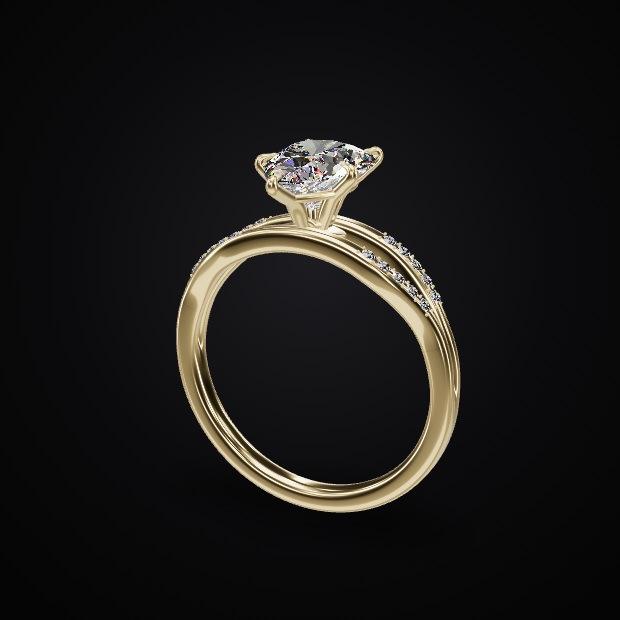
“A pear-shaped diamond on a split shank in yellow gold, with tiny pave on the split.”
1.57 ct total · 3.4 g yellow gold
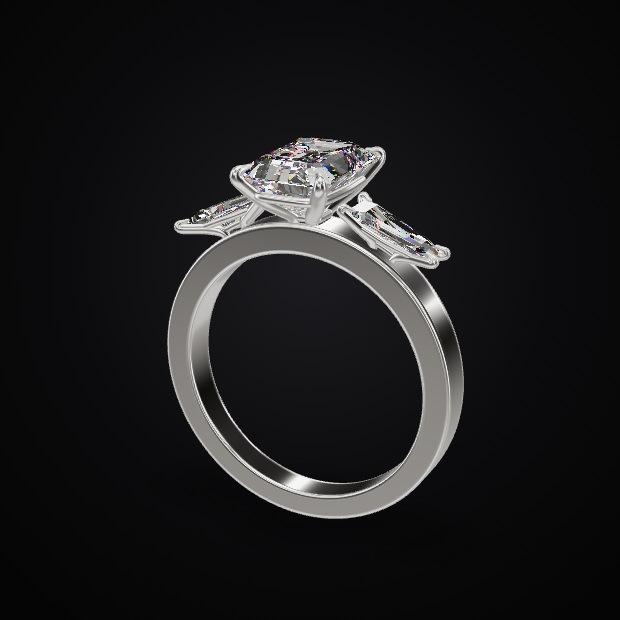
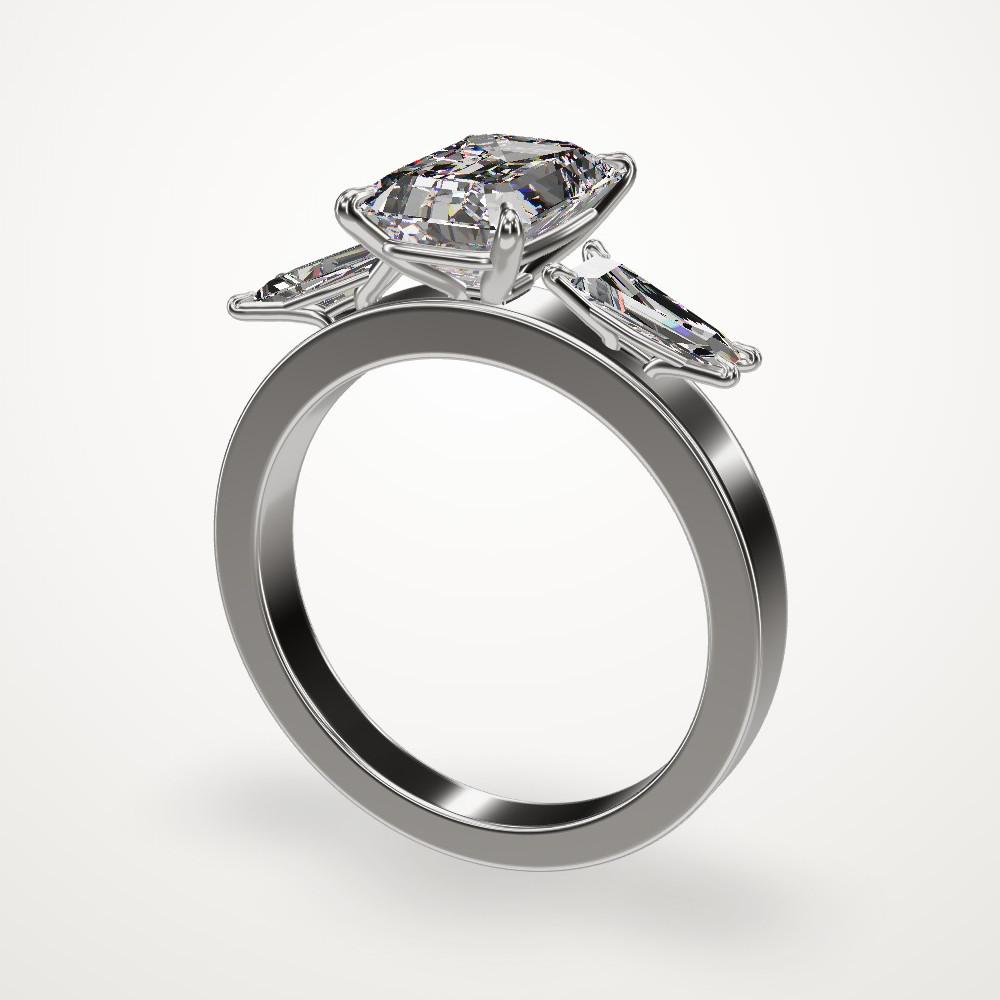
“An emerald cut three-stone ring in platinum with tapered baguette side stones.”
2.40 ct total · 6.8 g platinum
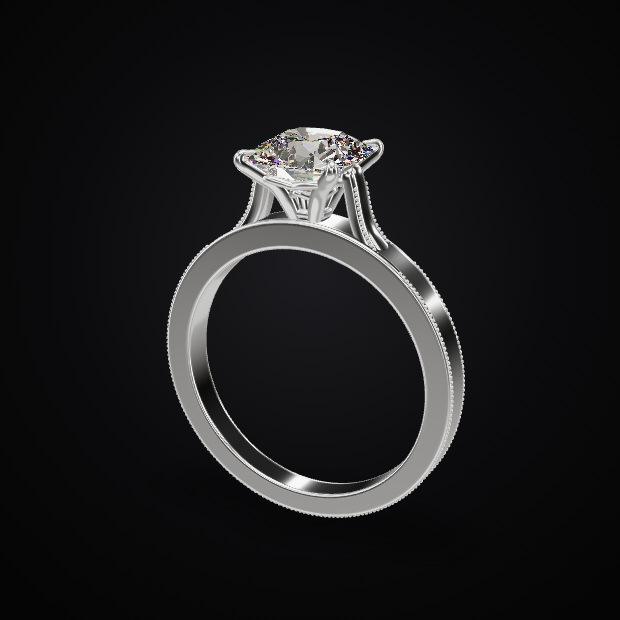
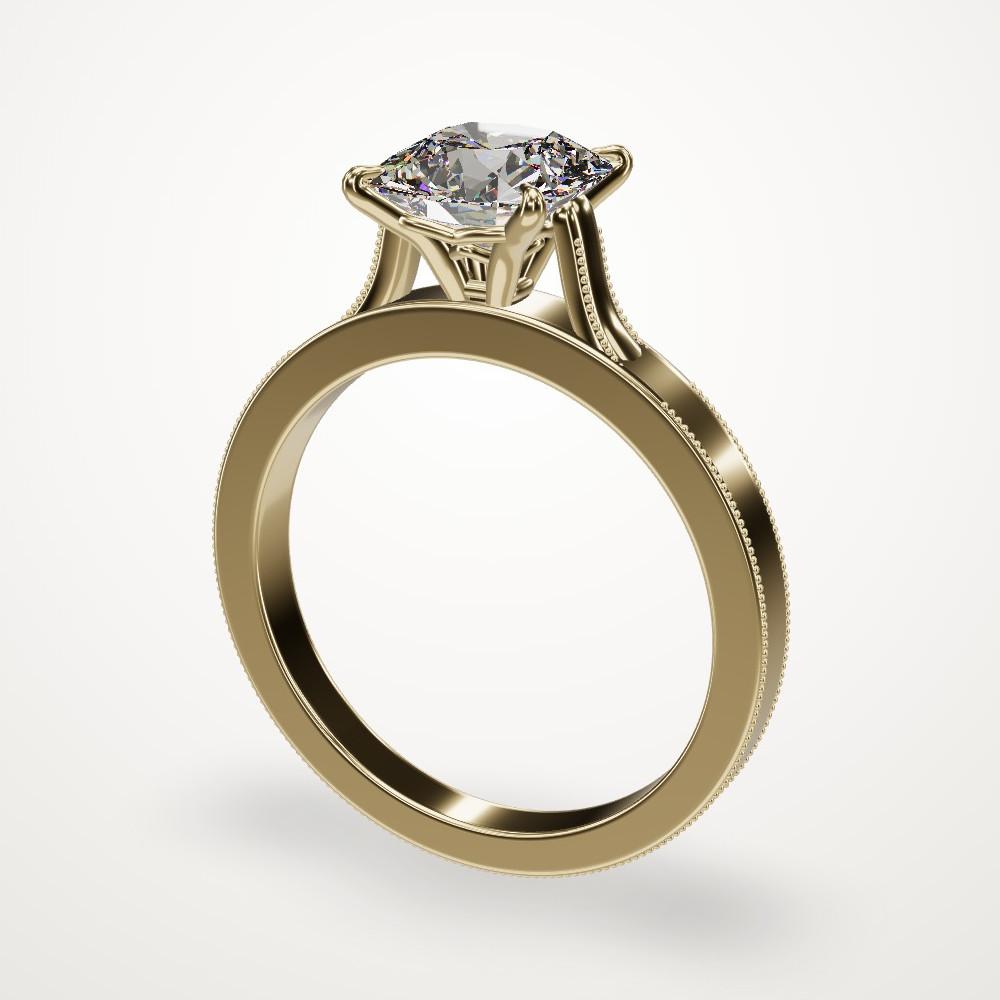
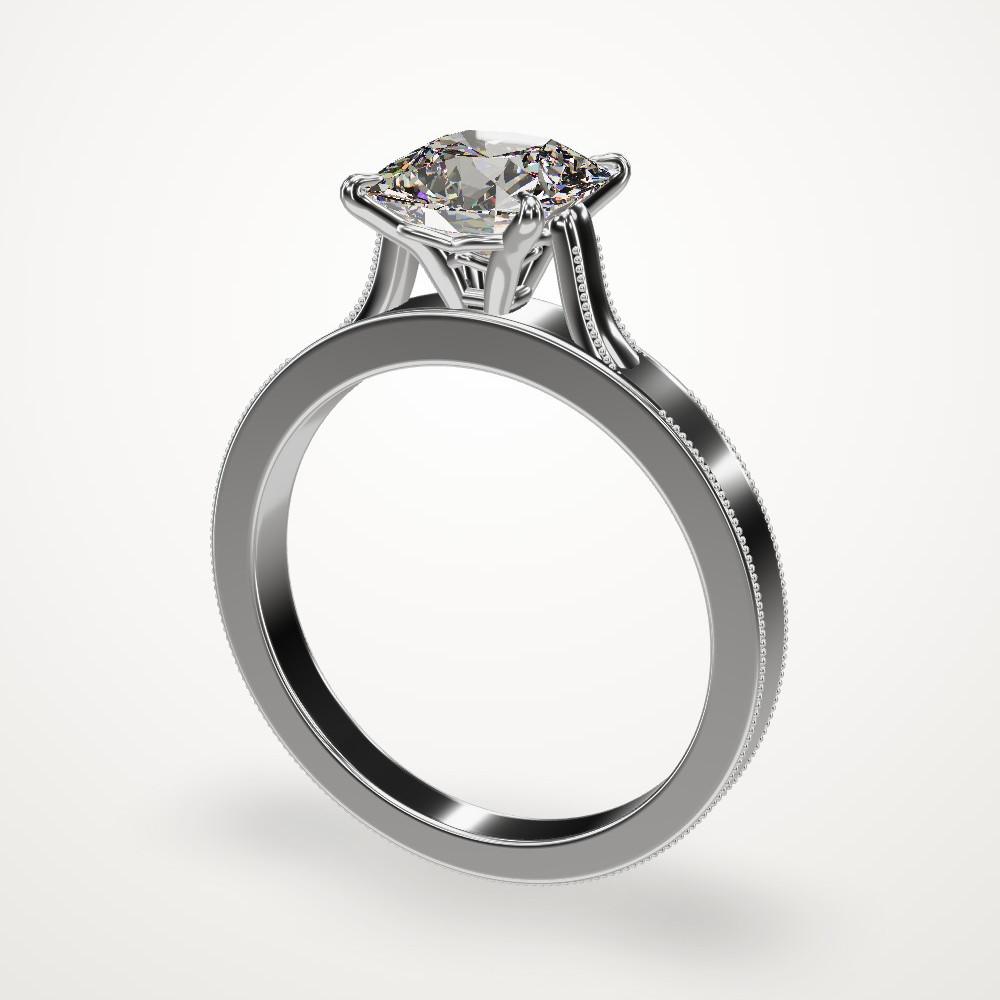
“A vintage-style cushion cut with milgrain edges and cathedral shoulders, in white gold.”
1.50 ct total · 4.5 g white gold
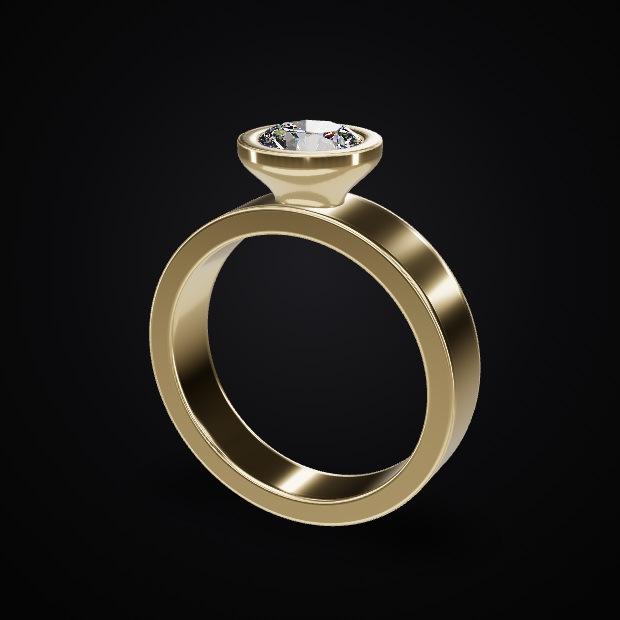
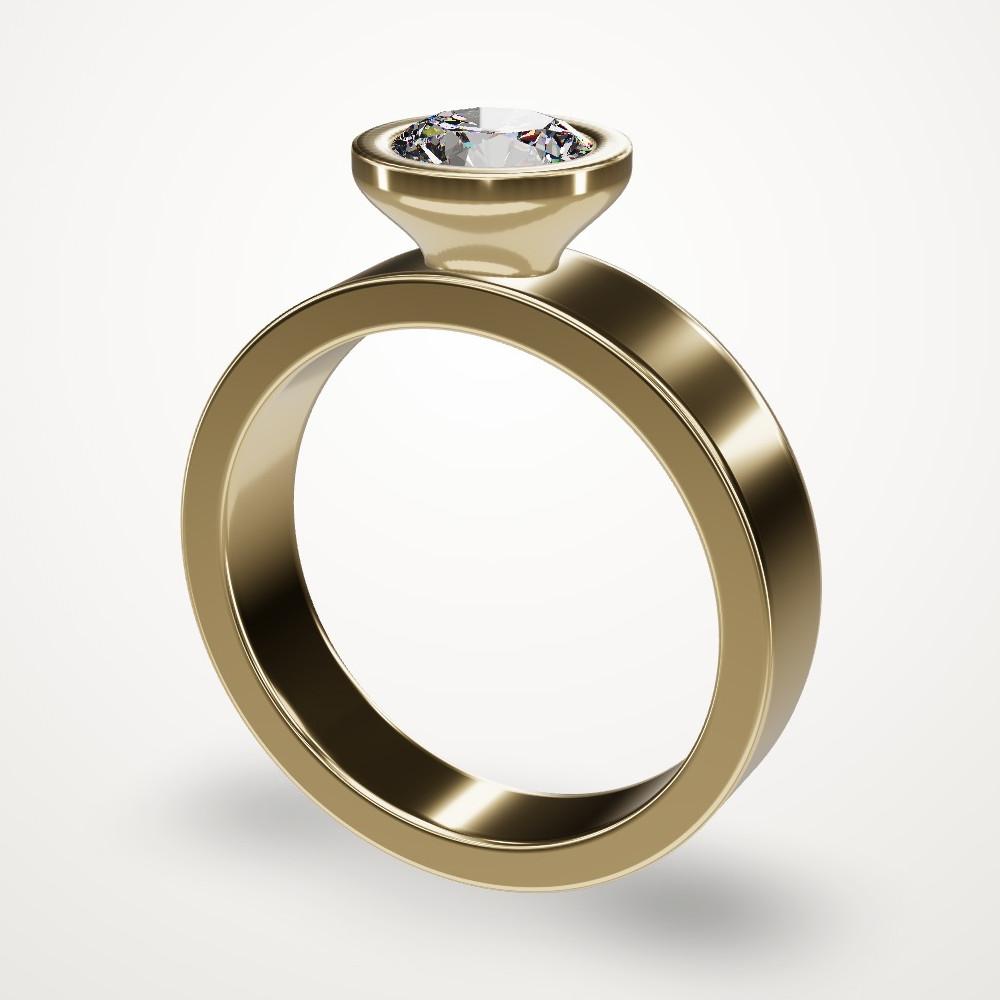
“A modern bezel-set round diamond on a wide, flat, knife-sharp yellow gold band. Minimal, architectural.”
1.00 ct total · 7.9 g yellow gold
What would yours say?
Design your first ring
Why this is different
- Your customer helps design it
- A rendering is something you send and wait on. Here your customer changes the ring themselves, and you see each change as it happens.
- New rings, not a catalog
- Configurators choose from parts someone already modeled. The agent builds each ring new, so the design can go wherever the conversation goes.
- It measures the ring against bench limits
- Ring size, band thickness, prong diameter and how each stone sits, every time. The limits are starting points to confirm with your caster.
- Stones that look like stones
- Light is traced through each facet of the cut, so your customer sees a diamond and not a shiny shape.
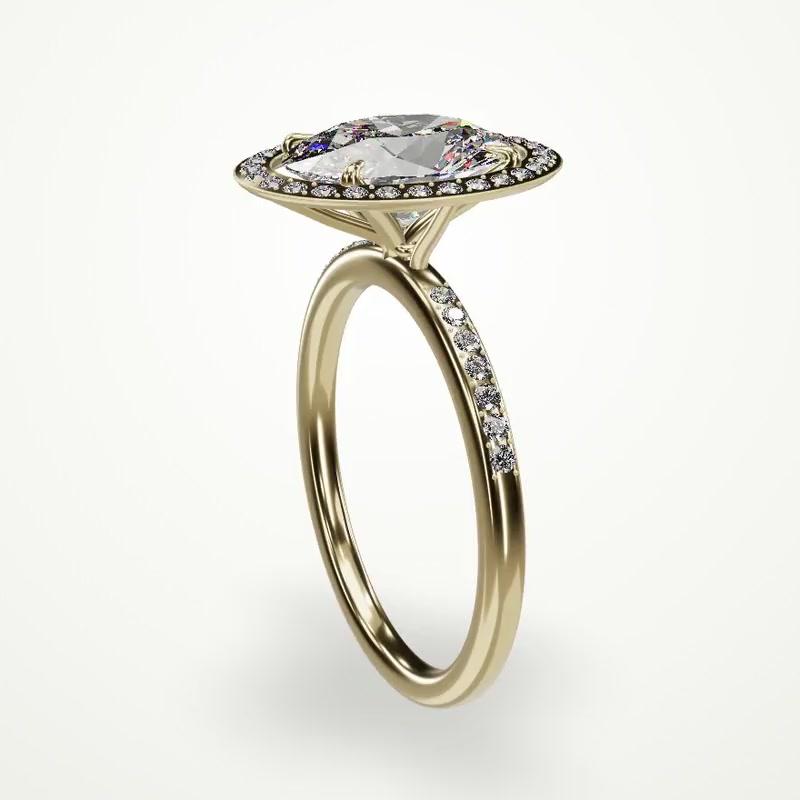
One ring, one link, one conversation.
Bring your next customer into the design, and skip the back and forth.
Sign in with Google to start.